.sidebar .widget {border-bottom: 1px solid #000000;}

Photoshop Elements

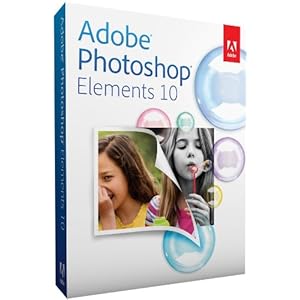
Adobe Photoshop Elements box


Did you know that Adobe makes a product similar to Photoshop, but more affordable?  It's called Photoshop Elements.  It's sort of like a combination of Photoshop and Lightroom, except instead of $600, it's under $100 (in fact, Amazon just dropped the price to $82.22.)

Also, Adobe offers a pay-as-you-go program as well.  Sort of like leasing Photoshop.

Lastly, there is a free program called Gimp, which is like Photoshop but offers way, way, WAY less tools and filters and all that good stuff.  But it's good for basic photo editing.

Student Showcase: Magazines

This was a fun optional project for students to just "play with Photoshop."

Magazine designed in Photoshop by Room 626 Photoshop student
Alexandria

Put Your Face on the Cover of a Magazine!


Ever wanted to be famous and appear on the cover of a magazine?  
Here's your chance! 

This Week in Photoshop

This week in Semester 2 Photoshop, students will finish their Text Portrait.

Semester 1 Photoshop students are speeding through the tutorials at an amazing pace!  This week they will concentrate on learning the text tool.

Photoshop 2 (second year) students will be continue with their portraits.

In Multimedia, students will create Valentines for the Life Skills students using their skills in their choice of programs.  That's what Multimedia is about--not only learning the programs, but learning which program to choose for a given task.

Have a great week!


Challenge: Expand your skills!


In Photoshop 2nd semester this week, students will work on the Text Portrait Project.  I have set aside the entire week for this project, because of the level of difficulty and the number of videos that accompany it.  If you follow along with the videos using your own image, your success rate will be much higher than if you try to wing it.  This is true of all our assignments, but this one in particular is a little tricky. To see examples, go to this link:  Text Portraits

Conquering the Pen Tool: You'll learn to love it

The pen tool:  if you learn to use it correctly, you'll love it.

Here's a few projects to practice your skills.
Pen Tool Cup:  learning the tool
Pen Tool Parrot, a short project using the pen tool.
Text Portrait: a major project in which you will be creating a work of art.


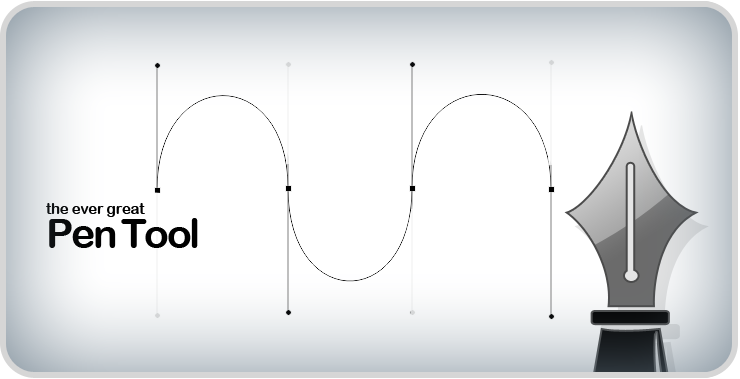
Introducing the Pen Tool


The Pen Tool is an exciting tool that will really enhance your Photoshop skills.  It is, however, probably the hardest tool to master.

Da Font is a great site for fonts.  It's a bit bulky to go through, but once you find a font you like, you are able to type out a word or phrase to see if you really want to use it before downloading it.  I've downloaded a few from this site, but I've also just used it for taking a screenshot of the word or phrase I'm going to use, if it's just a one-time thing.

Take a look at Pinterest


Showcase your own work on Pinterest!  Not only is it a place to look at the work of others, let others look at yours!  Here's just one of my own boards, where I collect works for inspiration:
http://pinterest.com/3CraftySisters/designing-with-ink/

Designing for Real Life


Photoshop can be a great help when it comes to designing off-computer.  The second picture is a mosaic I created over the summer.  The first is the design I created to follow.  Of course, the design was created in Photoshop.

View from the car

On pretty days, Seattle residents say "the mountain is out." they are referring to Mount Ranier. Just about every day we've been here, this has been our view from the car.